 Connect with us!


How to watch FBC Tupelo
Livestream on a Smart TV:
Step 1: Navigate to the YouTube app on your smart TV. Nearly every smart TV brand supports YouTube.




Step 2: Find the First Baptist Church Tupelo channel. It will have our logo on it.
A normal YouTube search will take you to the channel. Just search “fbc tupelo”

Step 3: Join the livestream at the appropriate time. We start the livestream for all services 5 minutes before the service start time. Our pre-stream holding screen features announcements and a test sound to help you set the right volume.
8:30 - Traditional Worship
9:30 - Online Grow Groups
10:00 - Best Friends Class
11:00 - Contemporary Worship
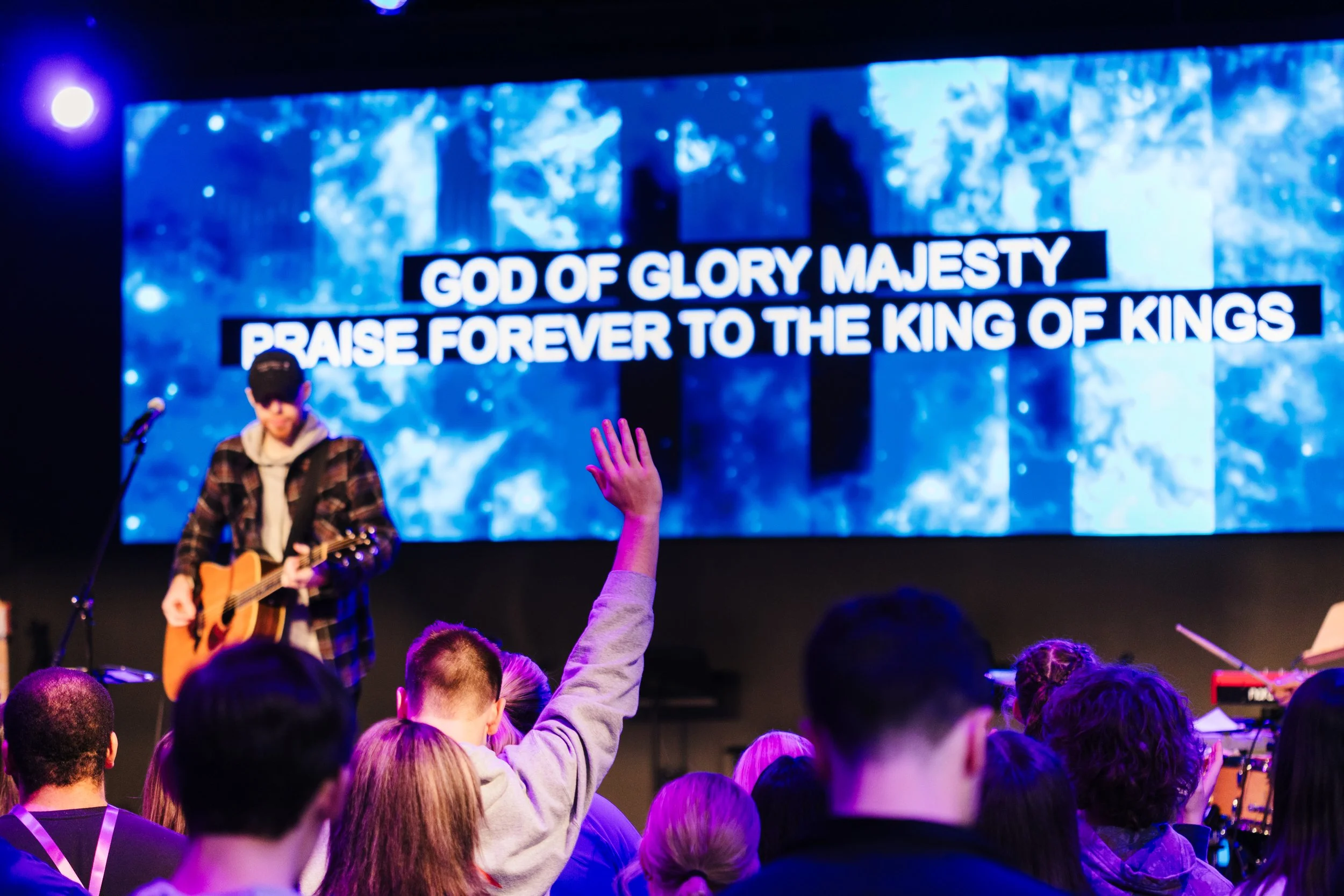
Step 4: Prepare your heart for worship. We offer both the song lyrics, and sermon notes on-screen. So sing along, and dive into the Word!

Still need help? Contact our media director at jsavage@fbctupelo.org